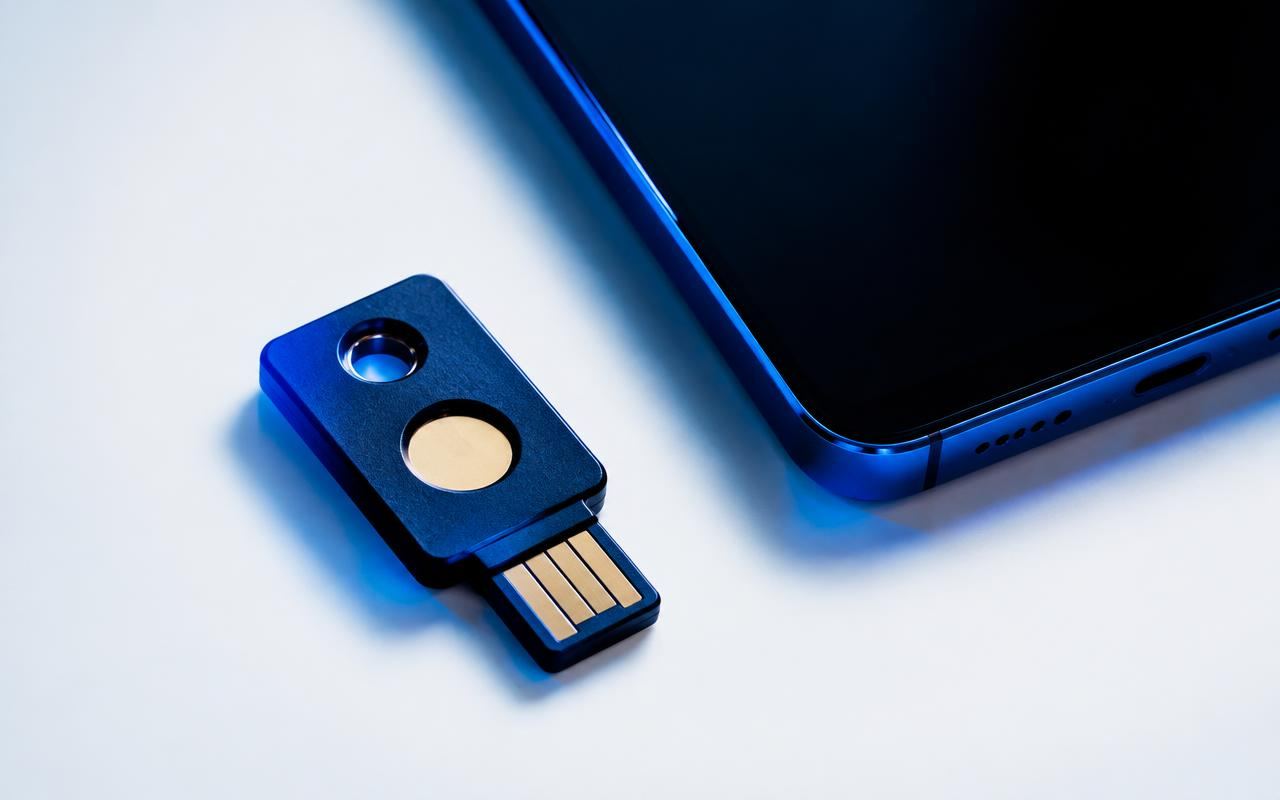
Passwords are a familiar weak point: they get reused, guessed and handed over to convincing phishing pages. Passkeys are a standards-based alternative that replace the shared secret with a pair of cryptographic keys tied to a device.
How passkeys work
When you create a passkey, your device generates a private key it keeps and a public key the website stores. Signing in means proving you hold the private key, usually by unlocking your device with a fingerprint, face scan or PIN. The private key never leaves your device, and there is nothing reusable for an attacker to steal from the website.
Why they resist phishing
A passkey is bound to the website it was created for. A look-alike domain cannot request it, so the most common credential-theft trick simply does not work.
What to plan for
Account recovery when someone loses or replaces a device.
Shared or kiosk devices where personal biometrics are not appropriate.
Which of your business tools already support passkeys.
Clear guidance for staff during the transition period.
A sensible rollout
Start with tools that support passkeys well, offer them as an option alongside existing sign-in methods, and gather feedback before making them the default.